
Intune/How-to guide·Reading time: 3 MIN·Video length: 15 MIN
Guides, news & ideas — real-world IT
Less guessing.More doing.
Guides, product news and lessons from the lab. Read the details, watch the walkthrough and put it into practice.
 Latest articleWatch
Intune/How-to guide·Reading time: 3 MIN·Video length: 15 MIN
How to Deploy and Customize the Company Portal for Windows with IntuneRead articleThe knowledge base
From the lab to your screen.
17 articles

Android/Explainer·Reading time: 6 MIN·Video length: 12 MIN
Android Enrollment in Intune Explained: Every Mode, When to Use It
Read article
Entra ID/How-to guide·Reading time: 8 MIN·Video length: 13 MIN
SMS MFA Is Retiring: Move to Passkeys in Microsoft Entra
Read article
Entra ID/Explainer·Reading time: 5 MIN·Video length: 9 MIN
Entra Registered vs Joined vs Hybrid Joined, Explained
Read article
Apple/How-to guide·Reading time: 6 MIN·Video length: 10 MIN
How to Enroll Your Mac in Intune with Company Portal (BYOD)
Read article
Apple/Explainer·Reading time: 6 MIN·Video length: 11 MIN
Intune Apple Enrollment Explained: iPhone, iPad and Mac
Read article
Windows/Explainer·Reading time: 7 MIN·Video length: 12 MIN
How to Enroll Windows Devices in Microsoft Intune (5 Ways Explained)
Read article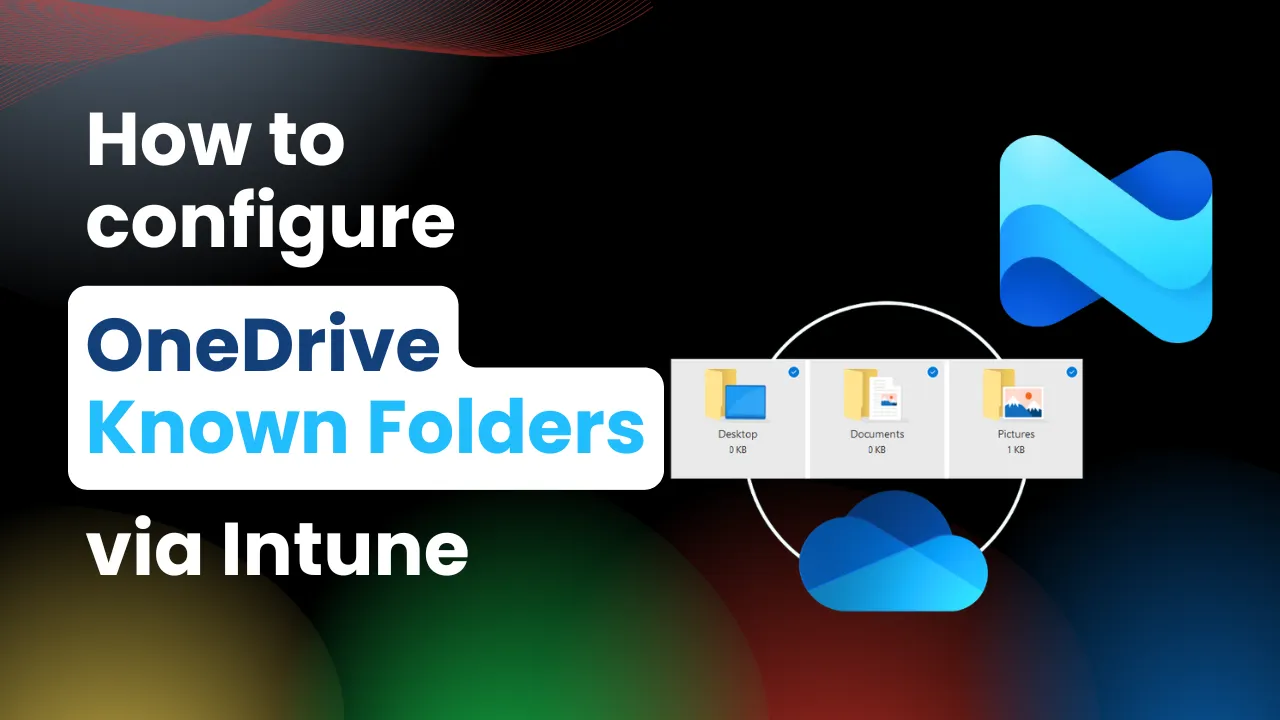
Intune/How-to guide·Reading time: 3 MIN·Video length: 23 MIN
How to Configure OneDrive Known Folder Move via Intune: A Must-Have Policy for Modern Workplaces
Read article
Intune/News & analysis·Reading time: 4 MIN
WWDC 2025: Apple's Big News for Device Management (and what it means for your Intune!)
Read article
Intune/News & analysis·Reading time: 3 MIN
What's New in Intune: Service Release 2505 Highlights
Read article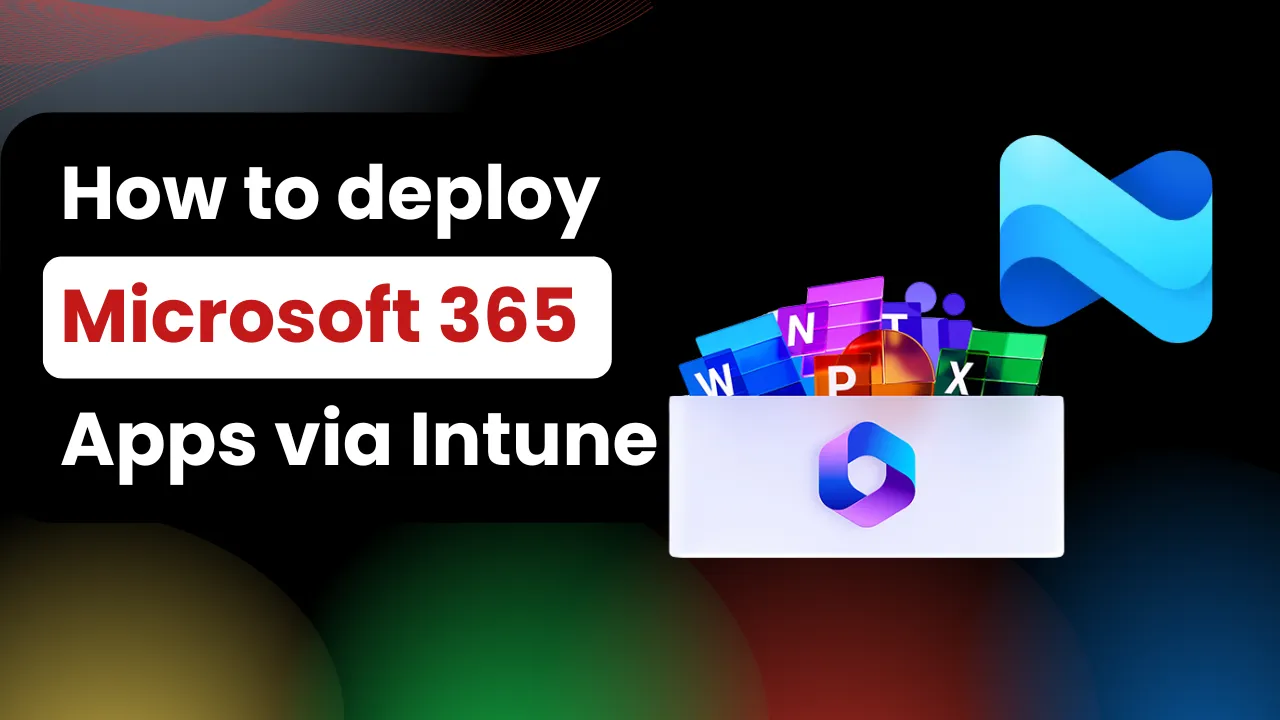
Intune/How-to guide·Reading time: 3 MIN·Video length: 19 MIN
How to Deploy Microsoft Office 365 Apps via Microsoft Intune
Read articleIntune/News & analysis·Reading time: 8 MIN
What's New in Intune: Service Release 2504 Highlights
Read article
Intune/How-to guide·Reading time: 2 MIN·Video length: 10 MIN
How to Set the Google Chrome Start and Home Page with Intune
Read article
Apple/How-to guide·Reading time: 2 MIN·Video length: 7 MIN
How to create an Apple MDM Push Certificate in Microsoft Intune
Read article
SCCM/How-to guide·Reading time: 2 MIN·Video length: 17 MIN
How to Create a SCCM Lab in Azure
Read article
Linux/How-to guide·Reading time: 1 MIN·Video length: 13 MIN
How to Enroll Ubuntu 24.04 in Microsoft Intune
Read article
Intune/How-to guide·Reading time: 3 MIN·Video length: 8 MIN
How to Set the Microsoft Edge Start and Home Page with Intune
Read articleNo articles match that search
Try a different topic, or clear the search to see every article.
How To MECM on YouTube
A walkthrough worth subscribing for.
Subscribe for practical Intune, Entra ID and endpoint management videos, explained so anyone can follow.
Learning paths
Follow a path, one step at a time
7 stepsIntune device enrollment, step by stepStart with how devices get an identity in Entra ID, then enroll each platform in Microsoft Intune. Every step is an article with its video.
- Entra Registered vs Joined vs Hybrid Joined, Explained
- How to Enroll Windows Devices in Microsoft Intune (5 Ways Explained)
- Intune Apple Enrollment Explained: iPhone, iPad and Mac
- How to create an Apple MDM Push Certificate in Microsoft Intune
- How to Enroll Your Mac in Intune with Company Portal (BYOD)
- Android Enrollment in Intune Explained: Every Mode, When to Use It
- How to Enroll Ubuntu 24.04 in Microsoft Intune
- How to Deploy Microsoft Office 365 Apps via Microsoft Intune
- How to Configure OneDrive Known Folder Move via Intune: A Must-Have Policy for Modern Workplaces
- How to Set the Microsoft Edge Start and Home Page with Intune
- How to Set the Google Chrome Start and Home Page with Intune
About this site
What How To MECM is for
How To MECM is a free blog by Saulo Torres with step-by-step guides on Microsoft Intune, Configuration Manager (SCCM) and Entra ID. Every article is paired with a video from the How To MECM YouTube channel, so you can read the details and watch the walkthrough. Everything on this site can be read without an account.
Under each article you can see how many people liked the video and read the latest comments from YouTube. To like the video or leave a comment, the buttons take you to the video on YouTube, where you use your own YouTube account. This site has no sign-in.